All-in-one suites
One subscription covering rankings, audits, keywords and often content. Breadth is the selling point, depth per module is the trade-off. Best for anyone doing the whole job themselves and switching tasks all day.
Every vendor claims to do everything. The useful question is narrower: which category of SEO software matches the work you actually do, what does the invoice look like once credits and seats are counted, and which parts of the job does the product refuse to finish for you.








More than 800 professionals already grow their visibility with BotSEO
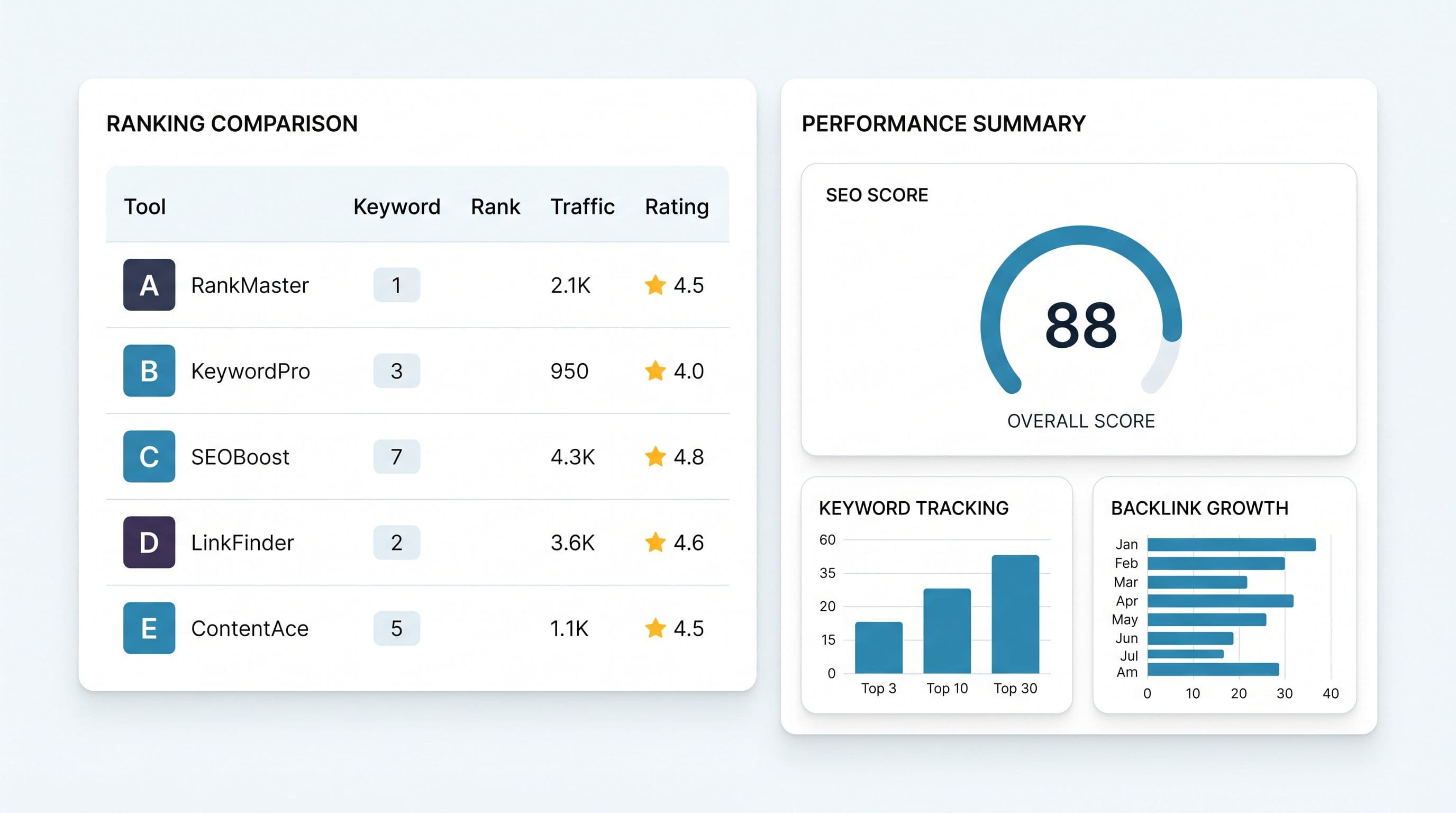
SEO software is any product that measures, produces or automates part of search visibility work. The label covers very different things: a crawler that reads ten thousand URLs, a database that sells volumes by the query, a rank tracker that checks results pages every morning, a writing assistant that turns a brief into a draft. They get compared as if they were interchangeable, and they are not. One more thing worth knowing before you compare prices: a good deal of this data is not generated by the company selling it to you, but bought from a handful of wholesale providers and repackaged. That is why two tools can quote different numbers for the same keyword and both be defensible.
Start by naming the category you need. There are six, they solve different problems, and the best SEO tools for a solo consultant are rarely the best ones for an enterprise team.
One subscription covering rankings, audits, keywords and often content. Breadth is the selling point, depth per module is the trade-off. Best for anyone doing the whole job themselves and switching tasks all day.
They tell you where you sit on a query, ideally split by device and location, and measured rather than averaged. Pricing is typically per keyword per day, so the real cost follows how many terms and cities you follow. Best for agencies reporting on many clients, and for local businesses.
They read your site the way a search engine does and surface what blocks indexing: canonicals, redirect chains, broken structured data, slow pages. Best for large or migrating sites, and for anyone with developers to hand work to.
Vast indexes you query for volumes, competition, questions and link profiles. Their value is the size and freshness of the index, their weakness is that a number in a database is an estimate, never a measurement of your site. Best for competitive research and link prospecting at scale.
Brief to draft in a few minutes. What separates two products here is not the model, it is what feeds the model: a tool writing from your search data and from what currently ranks gets close to publishable, one writing from a bare prompt produces filler. Best for teams with more topics than writing hours.
The newest category. They ask ChatGPT, Claude, Gemini, Perplexity and Grok about your market on a schedule and record whether you were named and which sources were cited instead. Best for any brand whose buyers have started asking an assistant before they search.
Feature grids all look the same because every vendor ticks every box. These four questions do not have comfortable answers.
A measured position and a modeled average are not the same claim. Ask whether rankings are checked live and whether the product connects to your own Search Console, because a tool that only queries a market-wide index knows nothing about you specifically.
A lot of SEO software stops at the finding. If nothing in the product writes the fix, drafts the page or pushes it to your CMS, then the tool is a cost and the work is still yours. Price the tool and the hours together, because that is what you are really buying.
Look at what a tool does when it does not know. Printing a zero for an unknown search volume, or inventing a plausible difficulty score, is worse than saying the figure is unavailable, because you will build decisions on it without noticing.
A product with a two week learning curve is fine for a full-time specialist and fatal for a founder with one afternoon a month. Count the time to first useful output, not the number of screens.
There is a real answer to this, and it depends on how much of your week is spent on search rather than on the depth of your ambitions.
Most sites are here, and most of them find out too late that they were paying five vendors to solve one problem.
Depth beats breadth once a single discipline becomes a full-time job with its own owner.
The sticker price is the least interesting number on a pricing page. These are the clauses that decide what you actually pay and what you can take with you.
Ask which provider supplies volumes and results pages, and whether the tool reads your own Search Console. A product that only resells a third party index knows nothing about your site specifically.
Crawled URLs, tracked keywords, generated articles, audits per month: frustration with SEO software tends to come less from the price than from hitting an invisible ceiling in week two. Check too whether the advertised price assumes annual prepayment, and how cancellation works. A discount you only get by locking in twelve months is not a discount, it is a loan.
Per-seat pricing turns a reasonable subscription into an unreasonable one the moment a second person needs access. Ask what a read-only client login costs, if it exists at all.
Can you get your keyword lists, your historical positions and your content out in a usable format? If the history stays behind when you leave, you never really owned it. Trial the product on your own site before you decide: a demo on a prepared account proves nothing.
BotSEO is an all-in-one suite with two deliberate additions. First, seven AI agents that do the work instead of only reporting it: they audit, write, correct and can publish to WordPress, Wix or Shopify. Second, AI visibility monitoring built in rather than sold as an upsell, because being cited by generative engines is now part of the same job. Rankings, technical audits, keyword research, content, local SEO and internal linking share one project and one data model.
See the tools in detail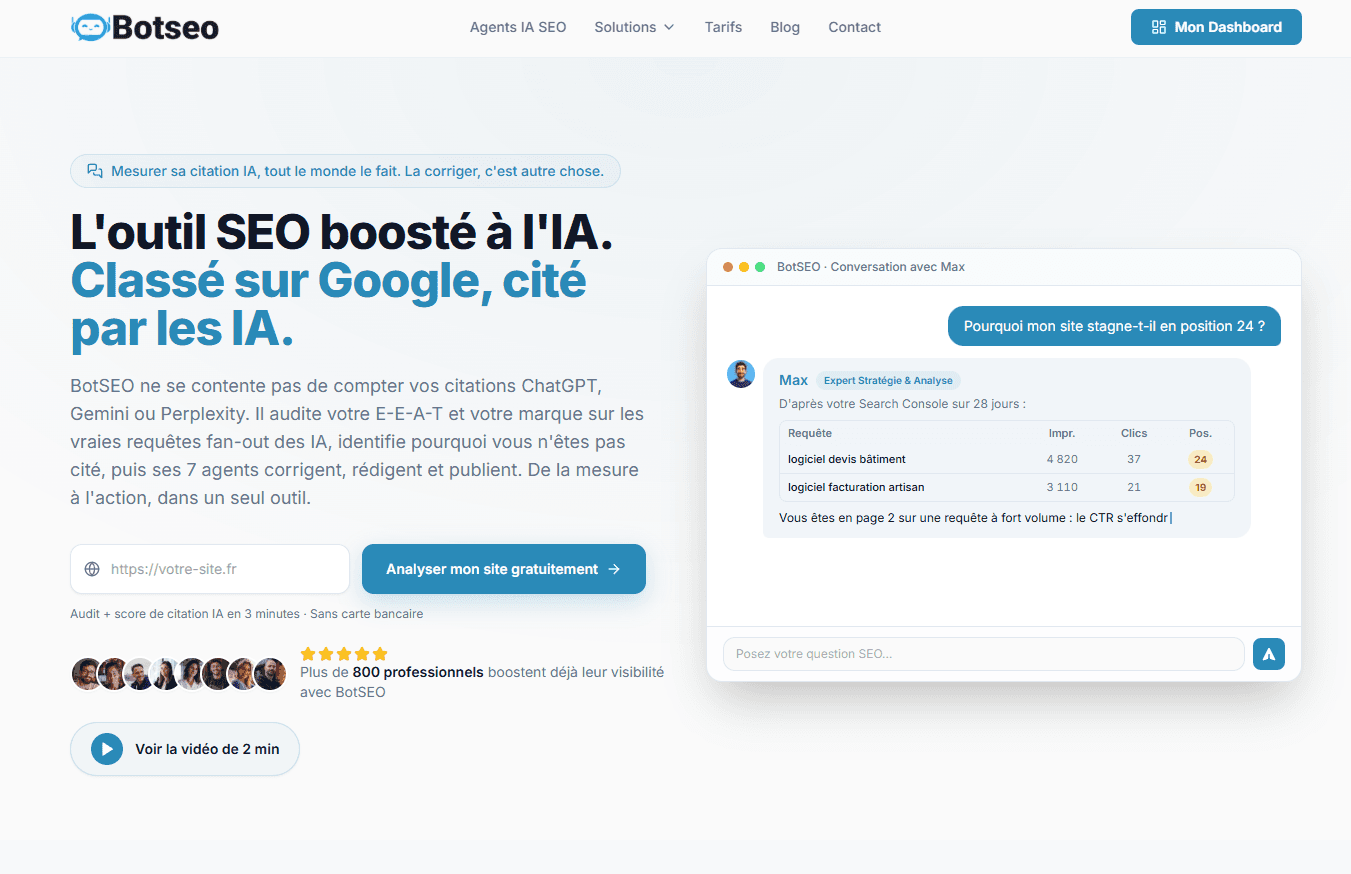
Established suites commonly start in the low hundreds per month, often per seat and before content credits are counted. A specialist stack of three tools tends to land in the same territory once each minimum is paid. BotSEO covers the suite and the agents for one price, in euros, with no seat multiplier.
29 EUR
per month, whole suite
≈ 31 USD
Billing is in euros. The dollar figure is an indicative conversion only.
Start freeFor a business without a dedicated search specialist, breadth beats depth. You want one product that tracks your positions, crawls your site, tells you what to publish and ideally drafts it, because the alternative is buying three tools and using none of them well. Depth becomes worth paying for when someone owns SEO full time.
For a one-off check, yes. Search Console, a speed test and a structured data validator cost nothing and are genuinely excellent. What free tools cannot give you is continuity: none of them remembers your site from one week to the next, or connects a drop in traffic to the change that caused it. That continuity is what a paid subscription is actually selling.
Judge it against the alternative rather than against other tools. A freelance consultant typically bills a few hundred euros a day, and an agency retainer usually sits an order of magnitude above any software subscription. If a tool saves a few hours a month and produces publishable output, it pays for itself well before the feature comparison matters.
Comparison articles can only take you so far. Point BotSEO at your real URLs, read the first audit and decide from what it found.
Start freeNo credit card · First audit free · Cancel any month